Passkey quick start guide
Passlock abstracts much of the complexity associated with passkeys. You should be able to add passkey authentication to your web app in less than 30 minutes.
Prerequisites
Section titled “Prerequisites”Passlock is framework agnostic. For this guide we won’t assume any particular framework.
Most modern browsers now support passkeys. The underlying WebAuthn APIs require client-side JavaScript. We assume your frontend uses a bundler with tree shaking support (Vite, Webpack etc).
Your backend can be coded in pretty much any language and framework. We offer a framework agnostic JS/TS server library for Fetch-capable runtimes such as Node.js, Bun, Deno, and edge workers, which is what we’ll use in this guide. If you’re not using a JS/TS backend, don’t worry - we’ll also show you how to verify passkeys using REST calls.
Installation
Section titled “Installation”The only required library is the Passlock browser library. Install it in your frontend project:
npm i @passlock/browseryarn add @passlock/browserpnpm add @passlock/browserbun add @passlock/browserIf you’re running a JavaScript or TypeScript backend we recommend installing this library:
npm i @passlock/serveryarn add @passlock/serverpnpm add @passlock/serverbun add @passlock/serverYou’ll create a (free) Passlock cloud instance for this tutorial:
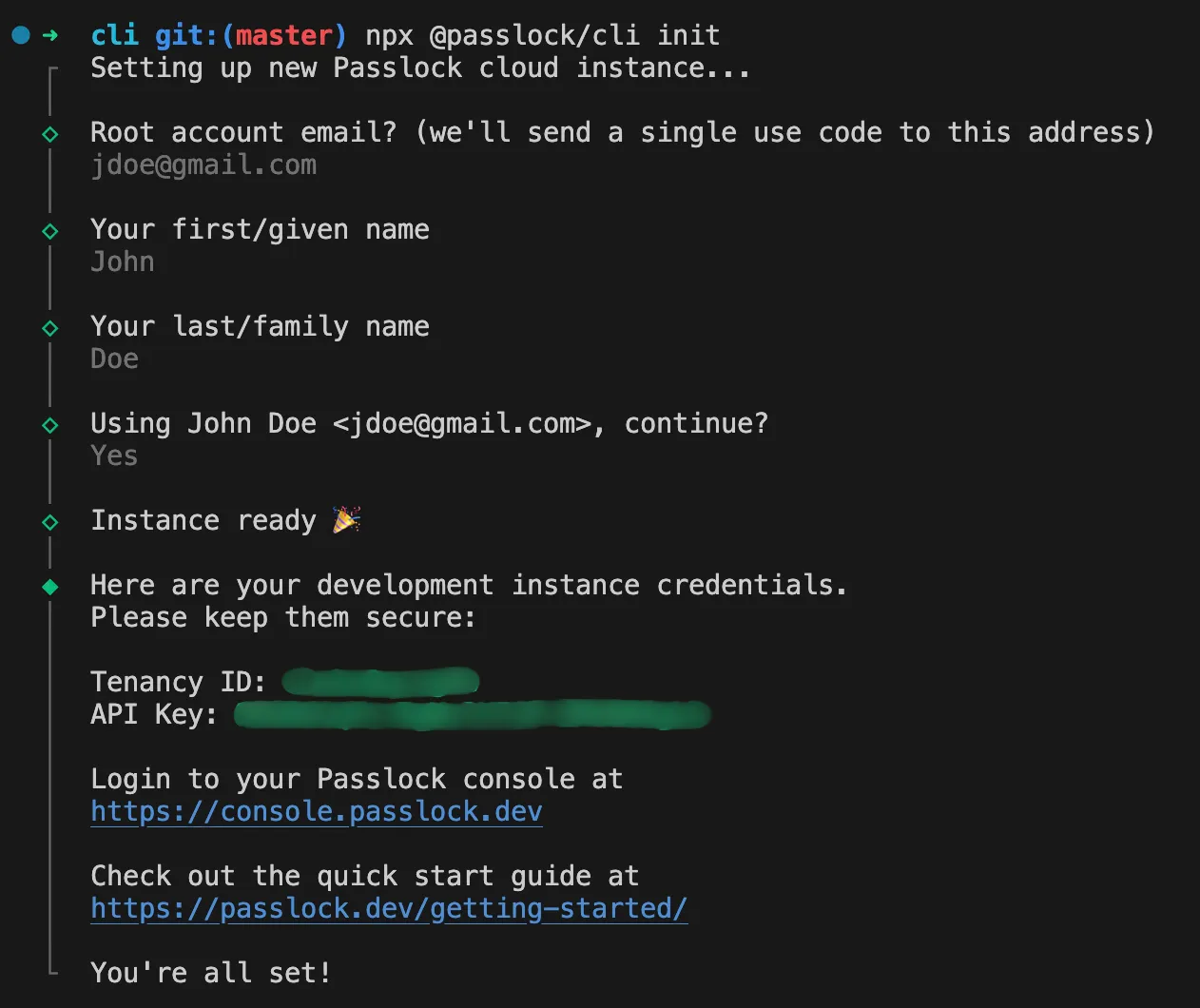
npx @passlock/cli inityarn dlx @passlock/cli initpnpx @passlock/cli initbunx @passlock/cli initdeno x @passlock/cli initnlx @passlock/cli initThe script will ask for your first name, last name and email. Follow the prompts and take note of your Tenancy ID and API Key: