

Programmatically updating a passkey on a user's local device using signals
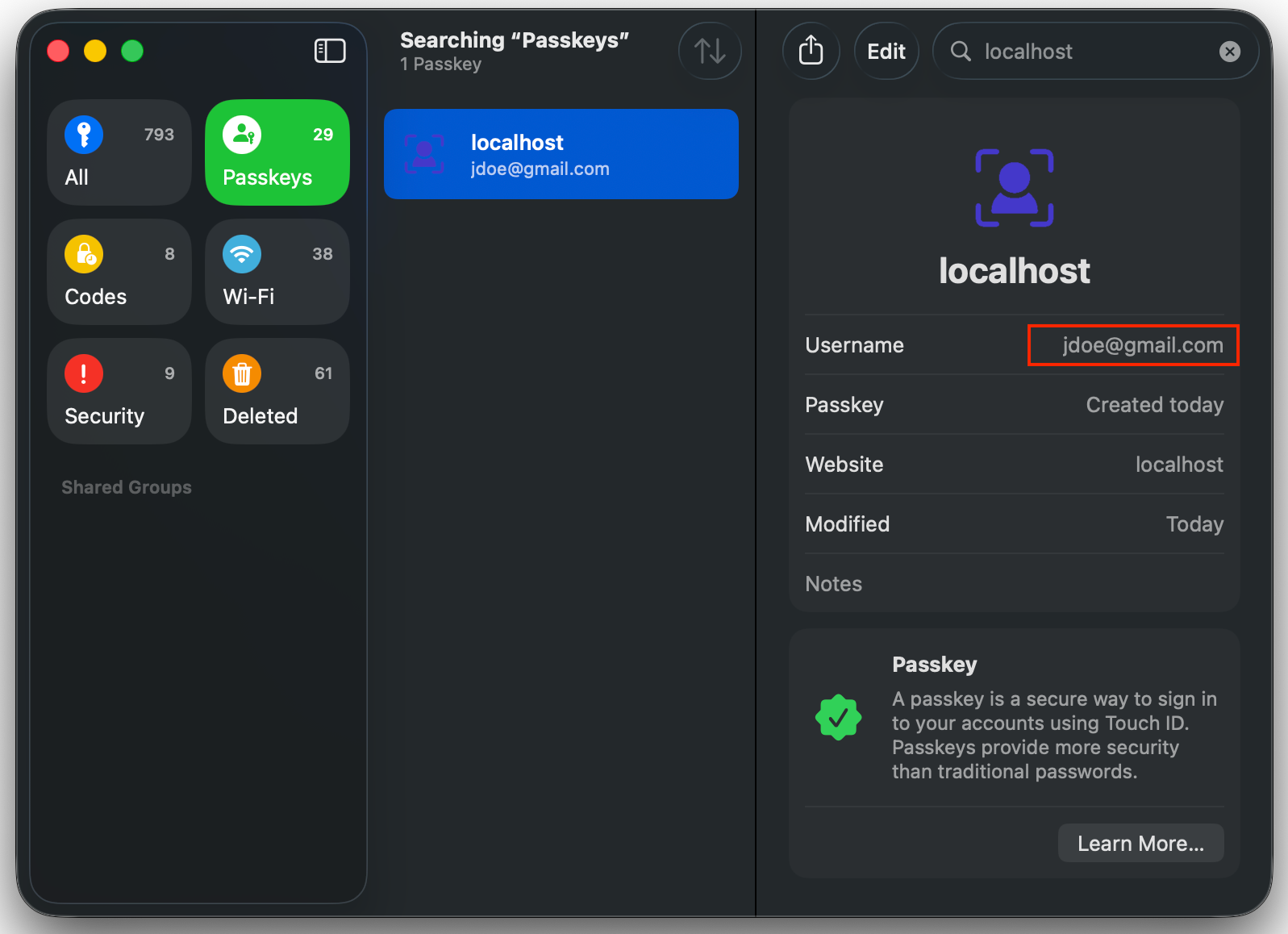
Becomes…
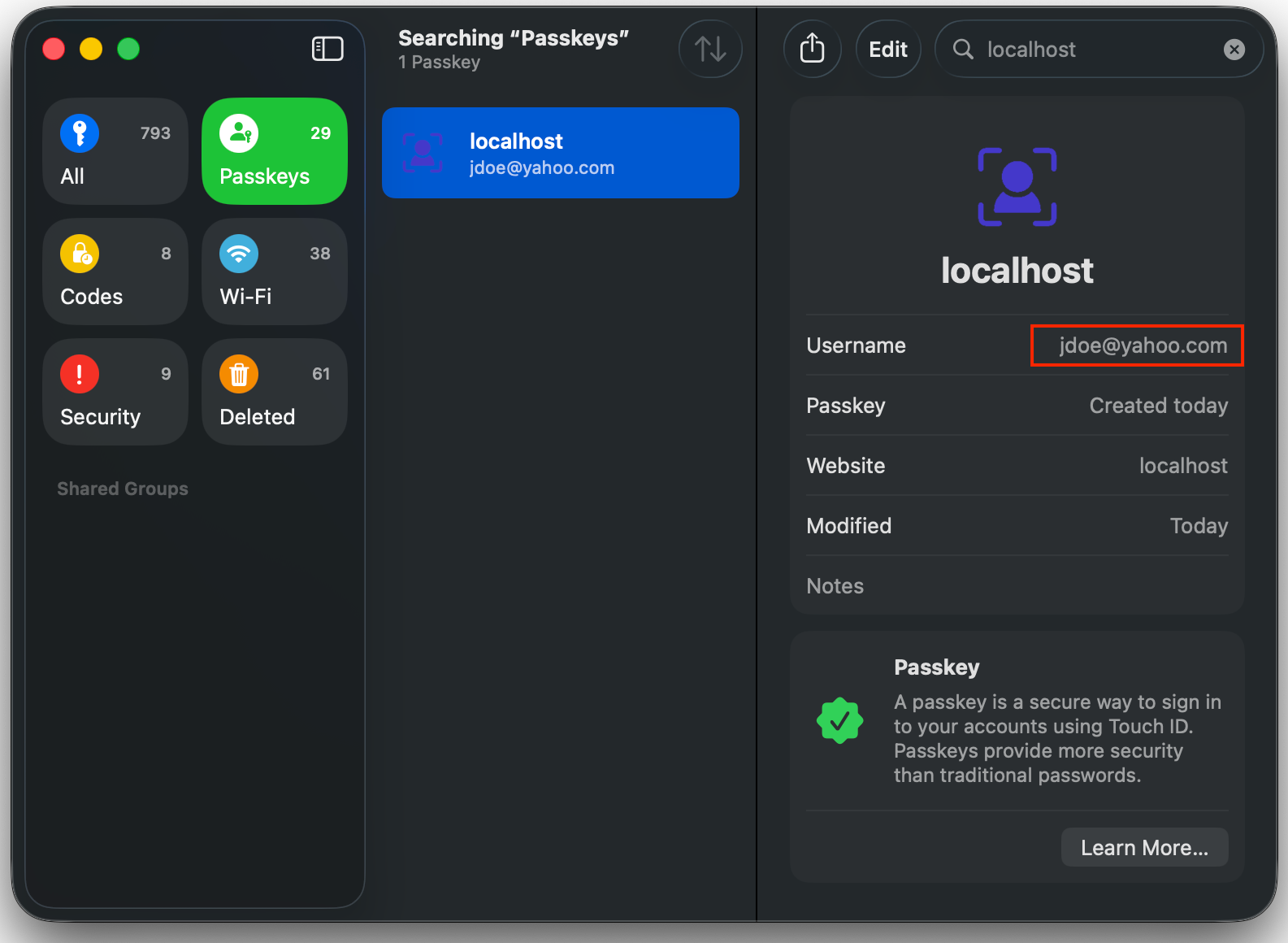
Updating passkey labels
Section titled “Updating passkey labels”Start in your backend. The server-side call updates the Passlock vault username for every passkey associated with your application userId and returns a short-lived token for the browser signal.
import { Passlock } from "@passlock/server";
const passlock = new Passlock({ tenancyId, apiKey });
const result = await passlock.updatePasskeys({ userId: user.id, username: "newUsername@example.com", displayName: "My new username",});
if (!result.success) { throw new Error(result.error.message);}
return { updatePasskeysToken: result.value.updatePasskeysToken,};Then pass only the token to your frontend:
import { Passlock } from "@passlock/browser";
const passlock = new Passlock({ tenancyId });
const { updatePasskeysToken } = await fetchPreparedPasskeyUpdate();
const result = await passlock.updatePasskeys({ updatePasskeysToken });
if (result.success) { console.log(result.value.warnings);} else { alert(result.error.message);}